mdtolink

Publish markdown.
Get a link.

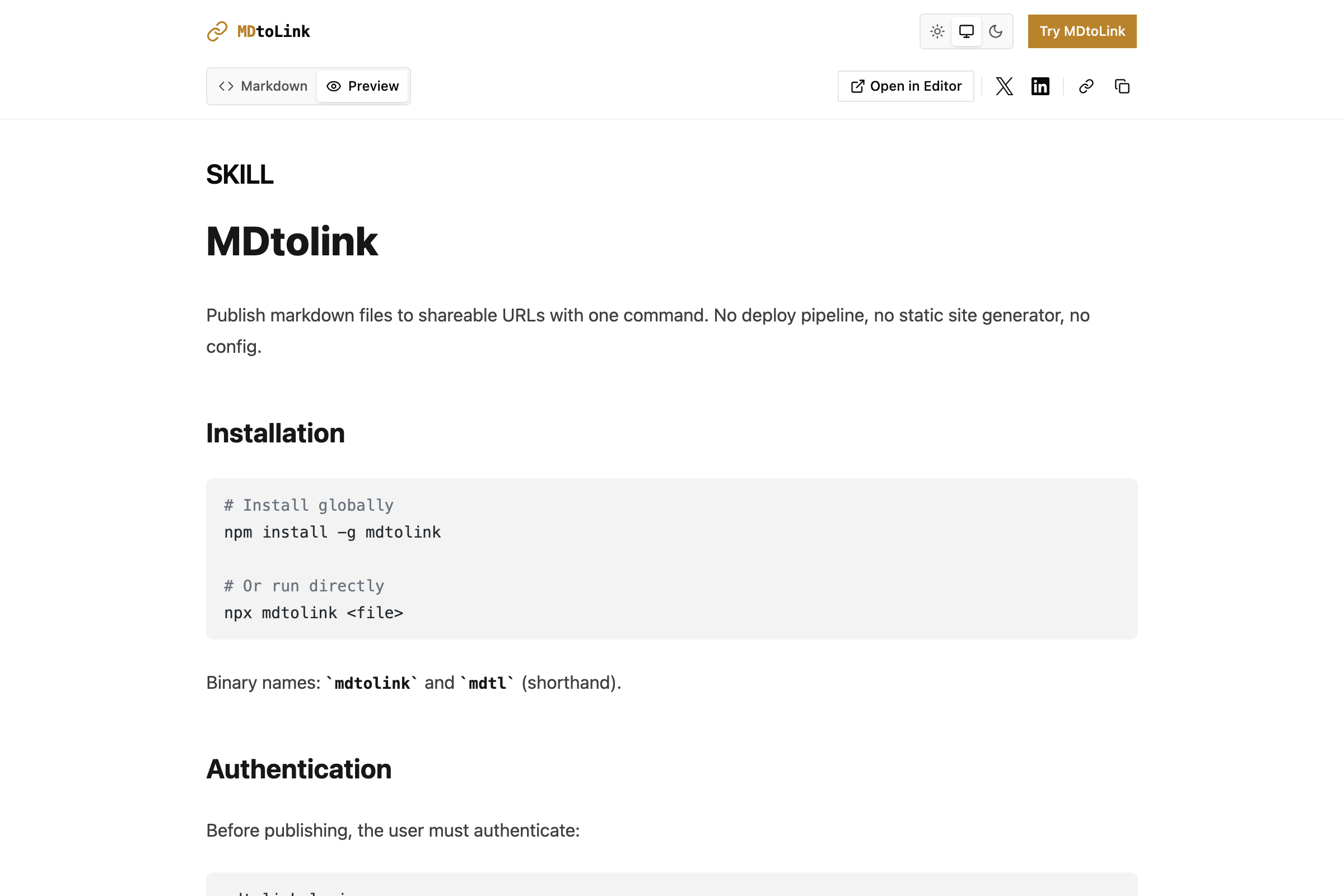
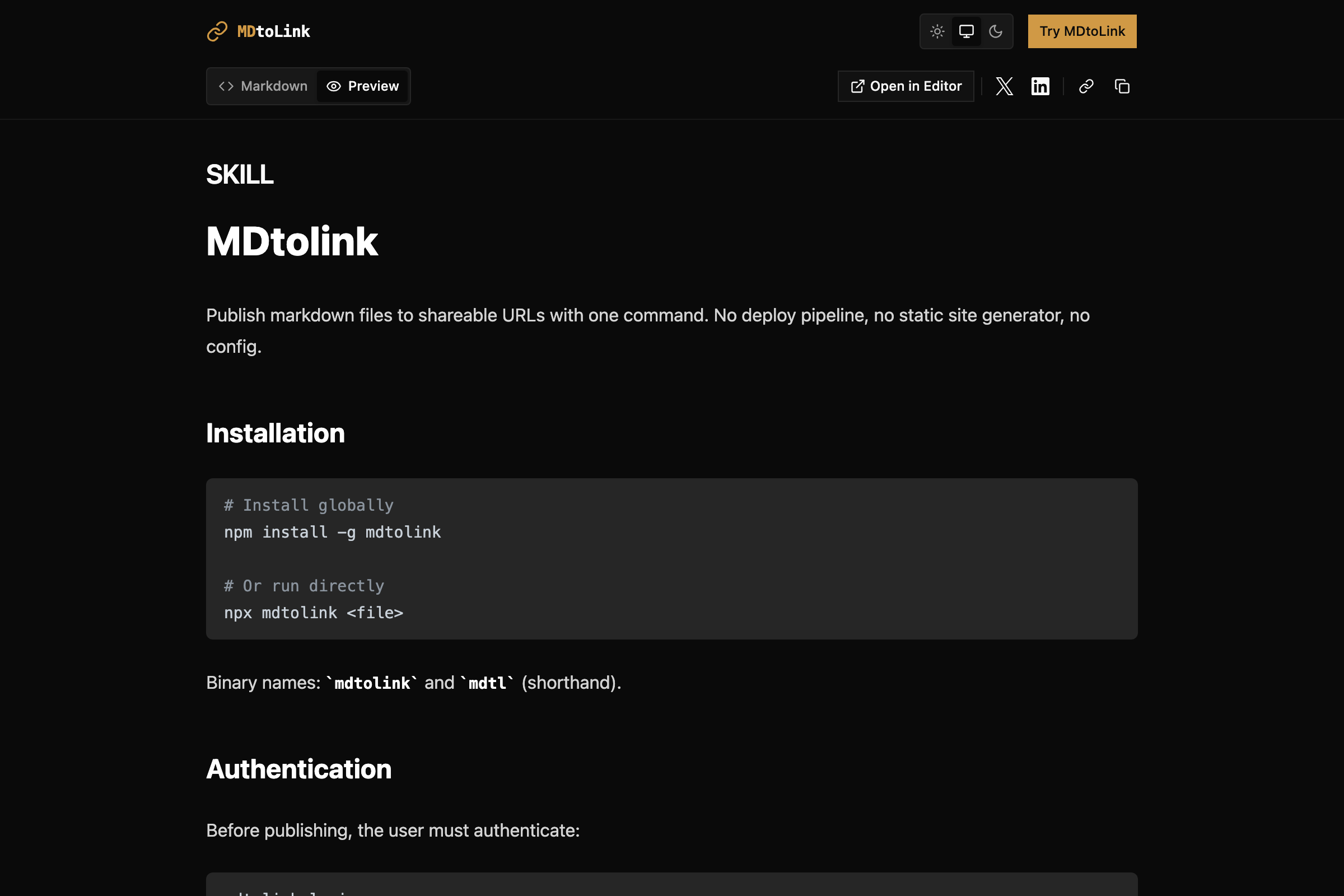
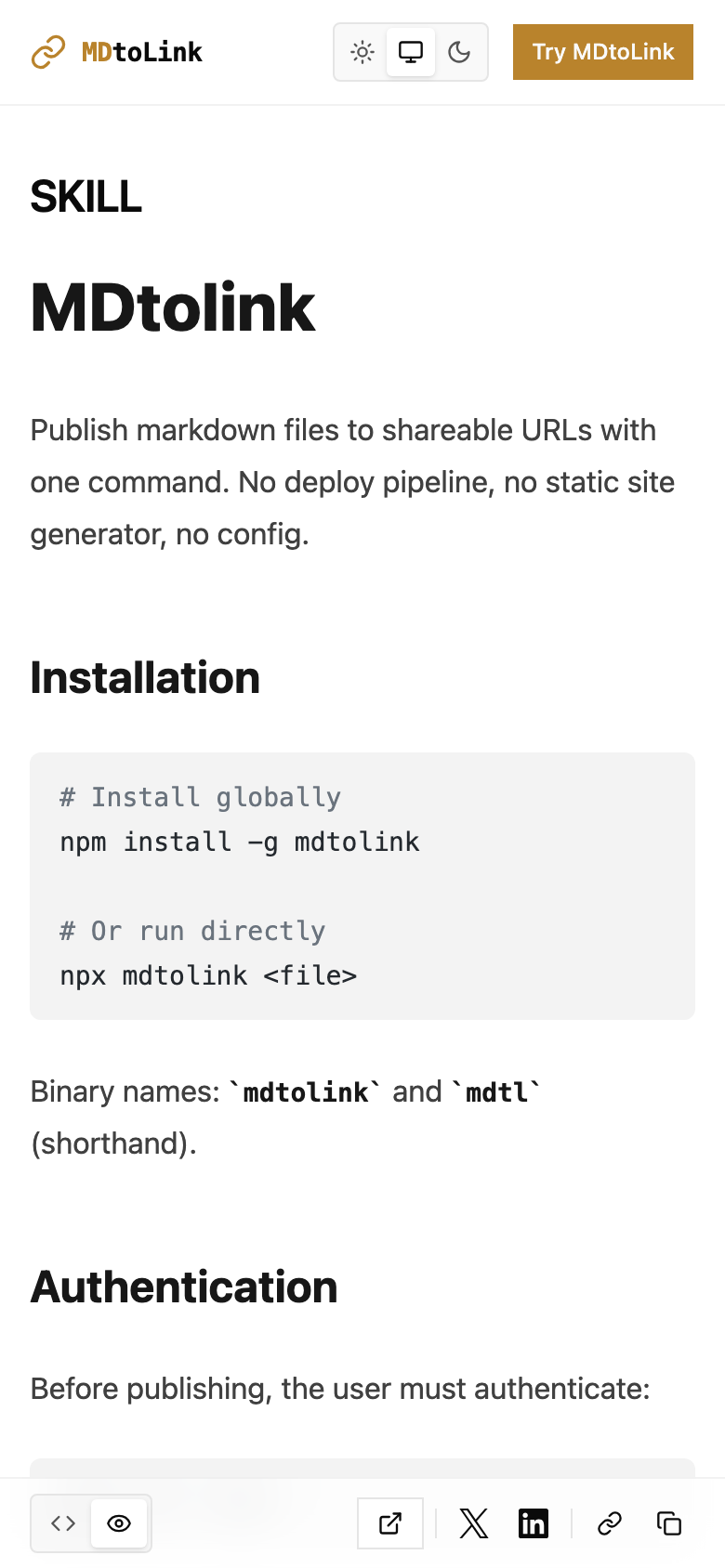
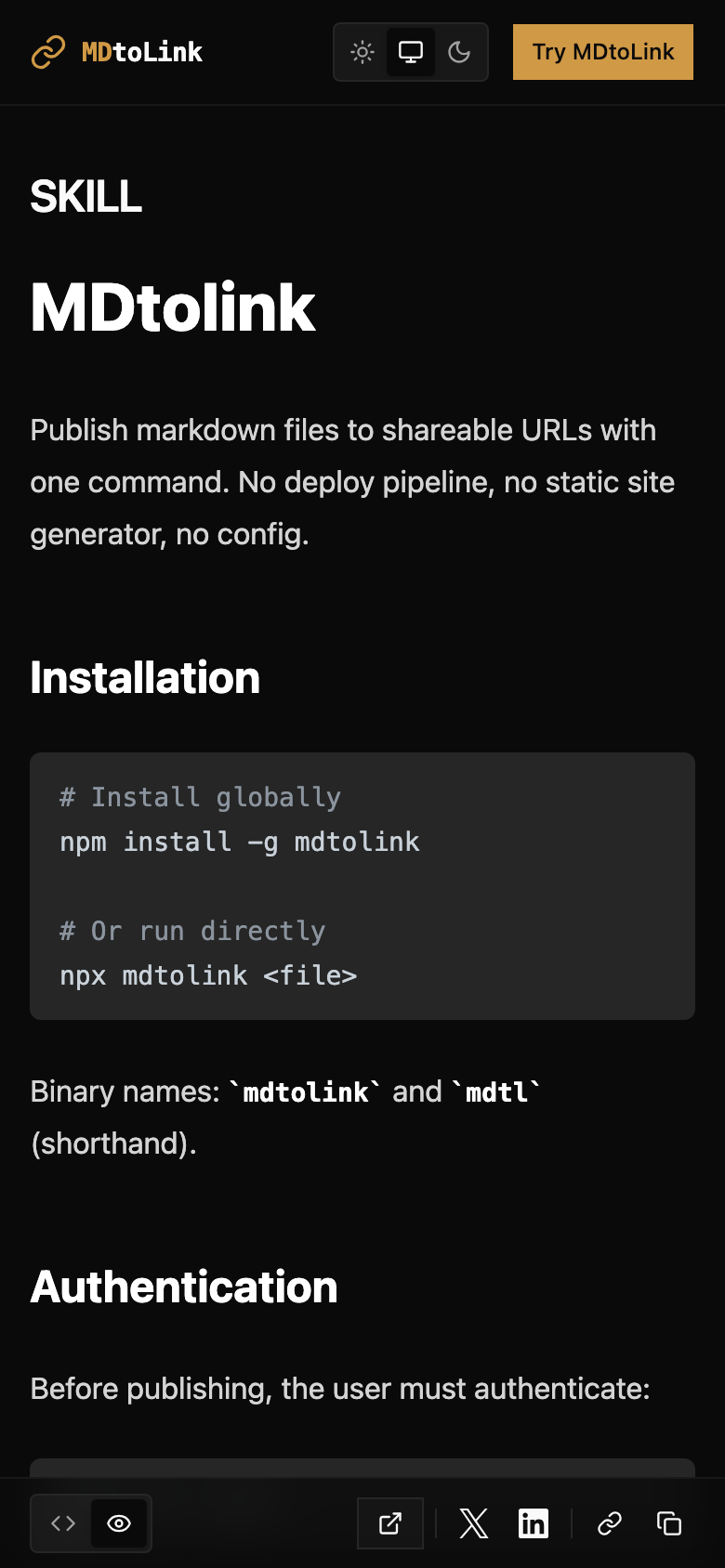
One command turns any .md file into a shareable URL. No deploy pipeline, no static site generator, no config.

Terminal
$ mdtolink publish meeting-notes.md

Published to https://meeting-notes.mdtolink.com

Copied to clipboard.

Free tier. No credit card required.

Three steps. Thirty seconds.

01

Write

Write your content in any .md file. Meeting notes, changelogs, docs, READMEs — whatever you already have.

02

Publish

Run mdtolink publish from your terminal. That's it. One command.

03

Share

Get a clean URL like notes.mdtolink.com. Share it anywhere. Update it anytime.

Everything you need. Nothing you don't.

One-command publishing

Run mdtolink publish and your markdown is live. No build step, no deploy, no waiting.

Pro

Custom slugs

Choose your own URL path. changelog.mdtolink.com reads better than abc123.

Pro

Custom domains

Point your own domain. docs.yourcompany.com for a professional look.

Agent-first API

Full REST API for automation. Publish from CI/CD, scripts, or AI agents.

View analytics

See who's reading your content. View counts per document, no tracking scripts.

Auto-expiration

Free links expire in 7 days. Pro links live forever. You choose.

Works where you work.

CLI

Install globally with npm. Publish from any directory.

Available

VS Code

Publish the current file with a keyboard shortcut.

Coming soon

Obsidian

Publish any note from your vault with one click.

Coming soon

Browser

Paste markdown into the web editor and hit publish.

Available

REST API

Automate publishing from any language or platform.

Available

Simple pricing. No surprises.

Start free. Upgrade when you need more.

MonthlyAnnual

Free

$0

For trying things out.

  • 5 published documents
  • 7-day link expiry
  • Auto-generated slugs
  • mdtolink.com branding
  • Custom slugs
  • Custom domains
  • Remove branding
Get Started Free
Recommended

Pro

$5 /mo

For serious publishers.

  • Unlimited documents
  • Links never expire
  • Custom slugs
  • Custom domains (BYOD)
  • Remove branding
  • Unlimited API access
  • Priority support
Upgrade to Pro

Other tools charge $8–29/mo for less. mdtolink Pro starts at $3/mo.

Questions? Answers.

What happens to my links after 7 days on the free plan?
They expire and return a 410 Gone status. Upgrade to Pro for permanent links, or re-publish to reset the timer.
Can I update a published document?
Yes. Run mdtolink publish again with the same file and the content updates in place. The URL stays the same.
What markdown features are supported?
Standard CommonMark plus GFM tables, task lists, footnotes, and syntax highlighting for code blocks.
Do I need an account to publish?
Yes, a free account is required. Sign up takes 10 seconds — email and password, no credit card.
Can I use my own domain?
Yes, on the Pro plan. Add a CNAME record pointing to mdtolink.com and we handle the rest, including SSL.
Is there an API?
Yes. Full REST API with authentication. Publish, update, delete, and list documents programmatically. Perfect for CI/CD pipelines and AI agents.